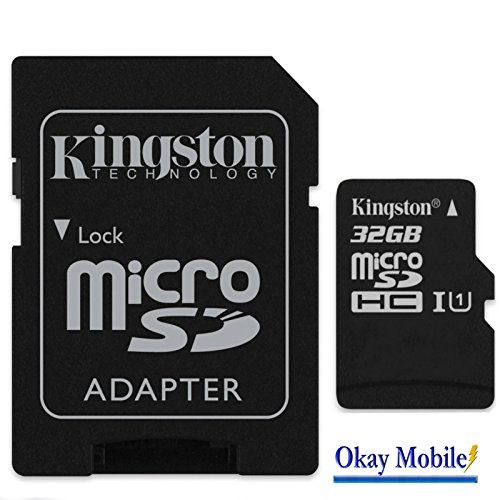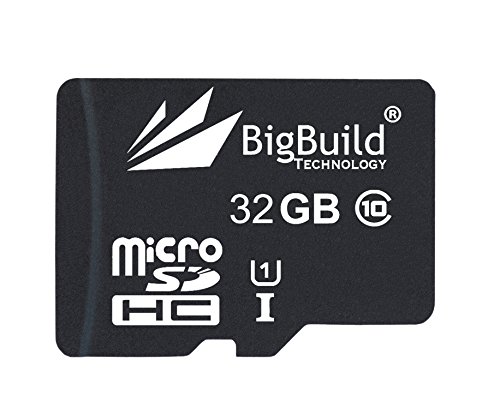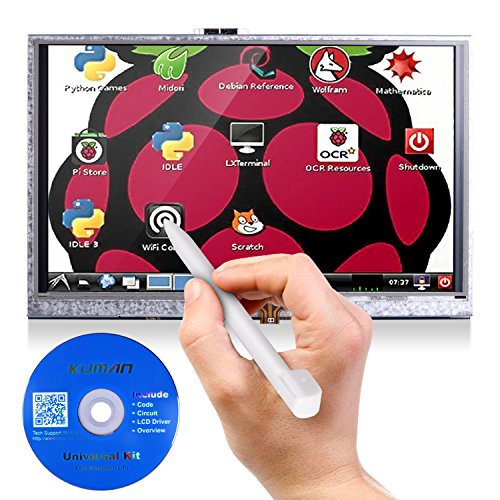
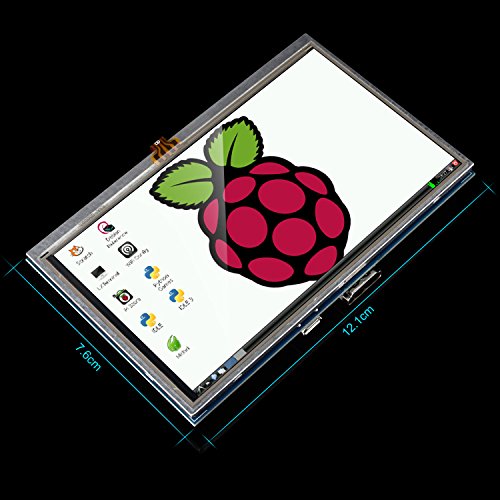
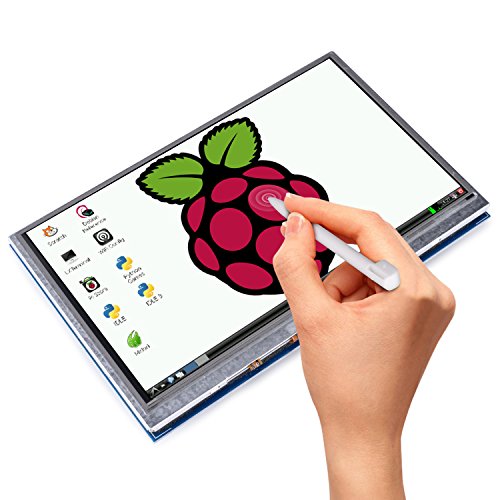
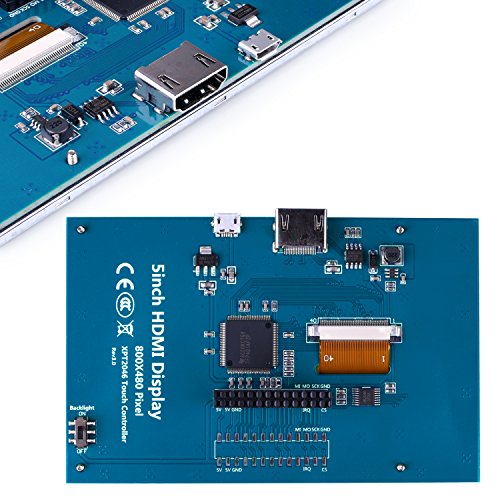
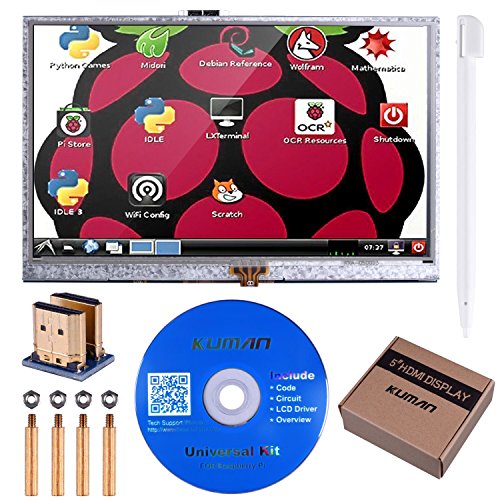
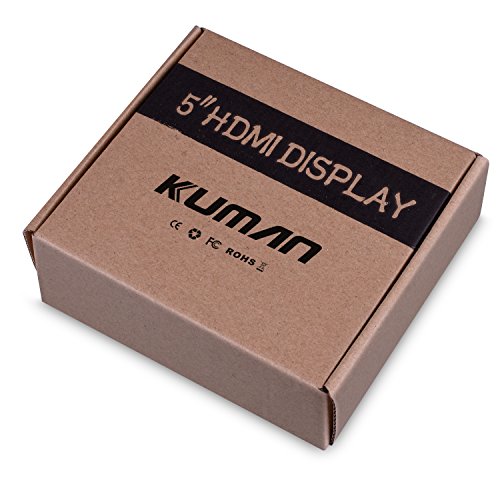
Kuman 5″ inch Resistive 800×480 HDMI TFT LCD Display Module with Touch panel SD card and Touch pen for Raspberry Pi 3 2 Model B RPi 1 B B+ A A+ SC5A

35,99 €

Zuletzt aktualisiert am: 21. Februar 2018 08:11
Kategorie
NOTE: 1.can't work for Raspberry Pi Zero board 2.Power Supply is NOT included. 3.There is a sticker on the LCD screen. Please peel off before use. Features: 1)5.0" TFT LCD Module, Resolution 800x400, SSD1963 Controller 2)LCD Type: TFT Transmissive Normal White super wide viewing angle 3)LCD Panel: HannStar HSD050IDW1 4)Interface: 8/16bit parallel bus interface 5)PCB Color: Blue 6)On board DC-DC Boost regulator TPS61040 to provide power supply to LCD backlight 7)Standard 2x20 2.54mm pin header for connection to MCU/development board Package Contains: 5inch HDMI LCD x 1 HDMI adaptor x 1 Touch pen x 1 RPi screws pack (4pcs) x 1 Tips for driver: After install the driver that could get the touch function work. 1.)Step1, Install Raspbian official mirror  a)Download Raspbian official mirror(latest version): https://www.raspberrypi.org/downloads/  b)Use"SDFormatter.exe"to Format your TF Card c)Use"Win32DiskImager.exe" Burning mirror to TF Card 2.) Step2, Clone my repo onto your pi sudo rm -rf LCD-show git clone https://github.com/goodtft/LCD-show.git  chmod -R 755 LCD-show cd LCD-show/ 3.)Step3, According to your LCD's type, excute: In case of 5" LCD sudo ./LCD5-show If you need to switch back to the traditional HDMI display sudo ./LCD-hdmi Wait a few minutes,the system will restart automatically, enjoy with your LCD Note: This method will be available only when your Rapspian connects with WIFI. If you do not have Wifi when you use it, you need to add drivers by yourself, you can contact us for tutorials or you can use the tutorials in CD directly.

Beschreibung

Weitere tolle Produkte findest du auf unserer Startseite https://pc-liebe.de.


35,99 €

Zuletzt aktualisiert am: 21. Februar 2018 08:11

35,99 €

Zuletzt aktualisiert am: 21. Februar 2018 08:11